🧸 Labubu Folder Icons 🧸
Cute & Free Desktop Folder Icons Collection
🌸 ✨ 🎀 ✨ 🌸
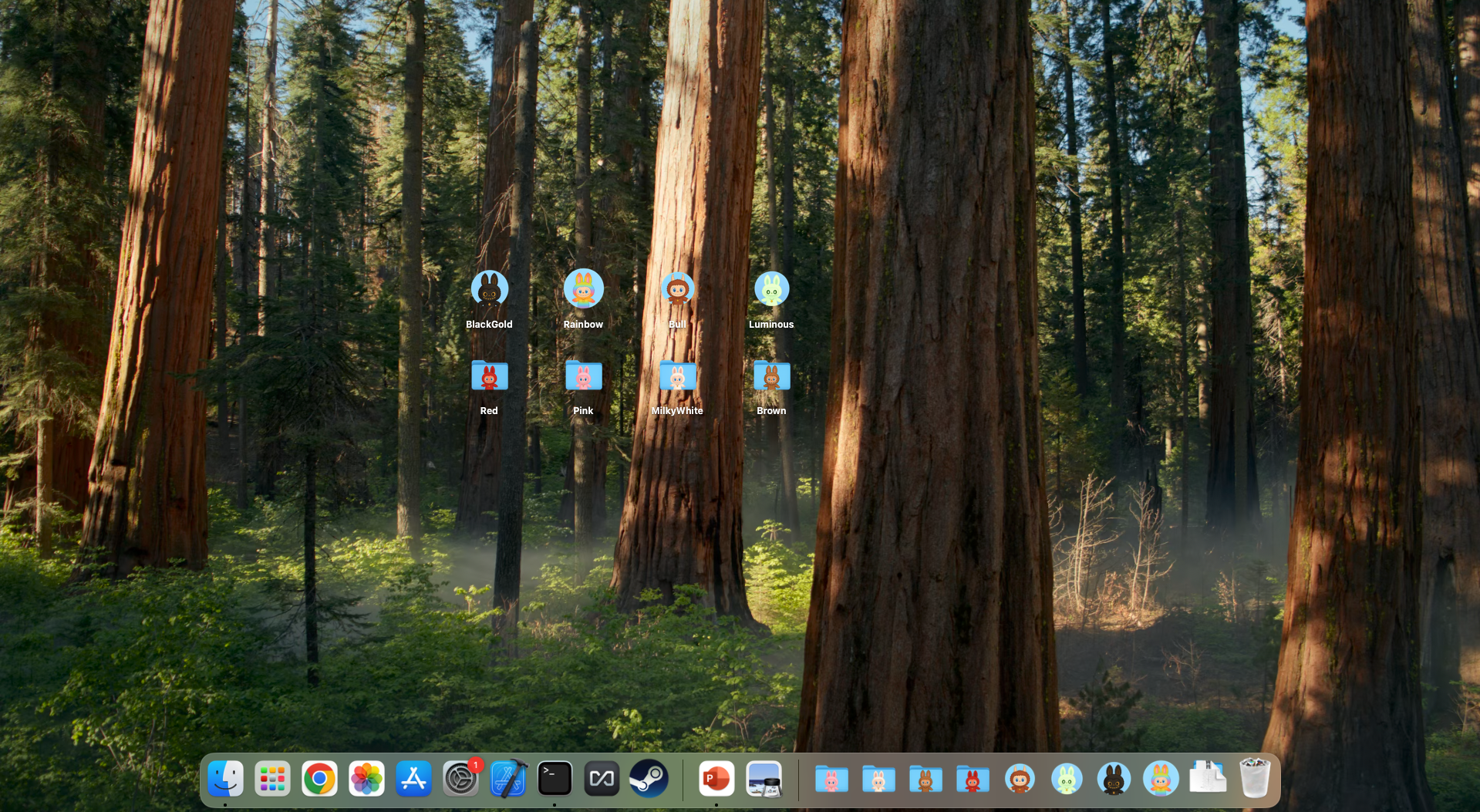
How to Change a Folder Icon on Mac
- Download and unzip your favorite icon pack from this page.
- Open the folder with the icon images (PNG or ICNS).
- Right-click the image you want, choose Copy (or open and press Cmd+C).
- Right-click your target folder and select Get Info.
- Click the small folder icon at the top left of the Info window.
- Press Cmd+V to paste your new icon!
- If it doesn't update, try converting the image to ICNS format and repeat.
Classic Collection





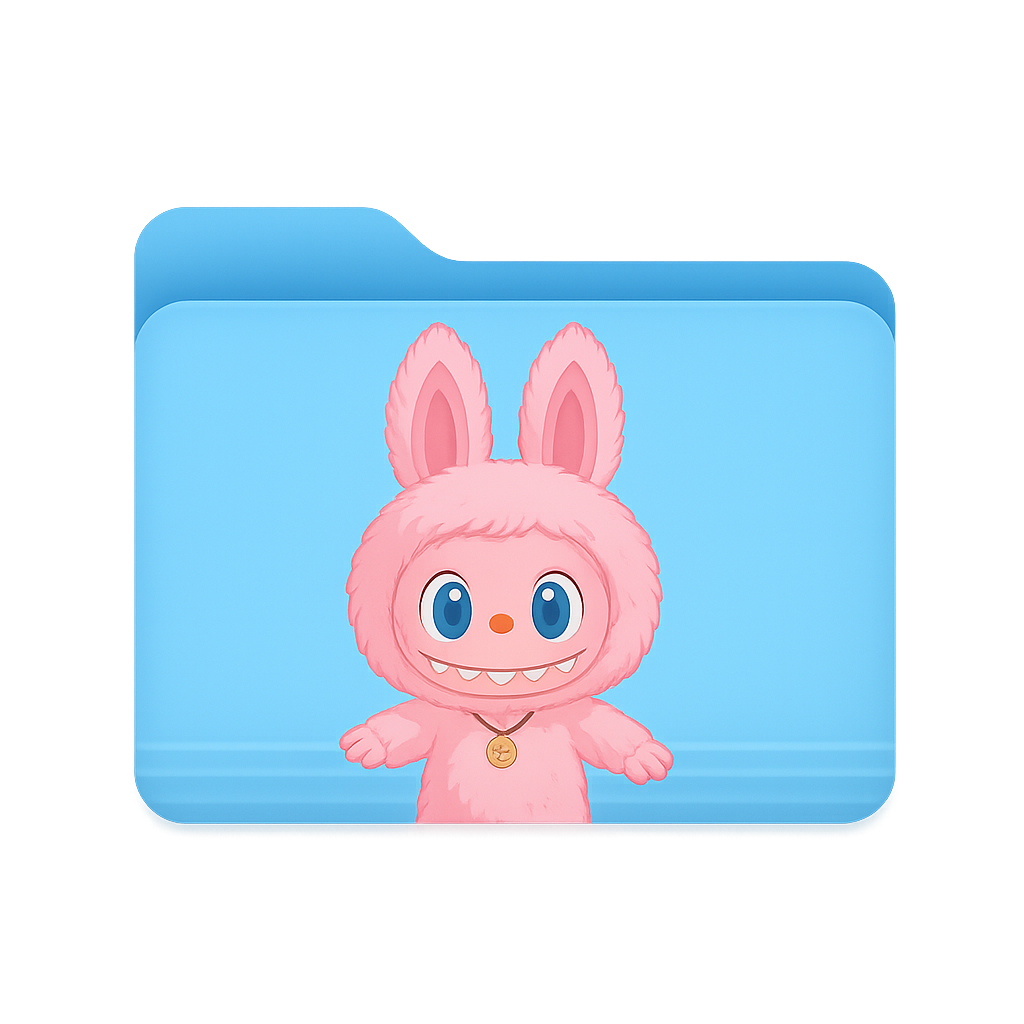


2.3k downloads
Round Collection








1.8k downloads
Round Collection (Green)








1.5k downloads
Round Collection (Yellow)








2.1k downloads
Starry Night








1.7k downloads
Ice Cream








2.4k downloads